How Phishing Emails, SMS Scams and Fake Links Trick People Online
Phishing attacks remain a prevalent threat in the digital world. This article explores how cybercriminals use fake emails, SMS scams, and malicious links to steal sensitive information and offers practical tips to stay safe.
Understanding Phishing
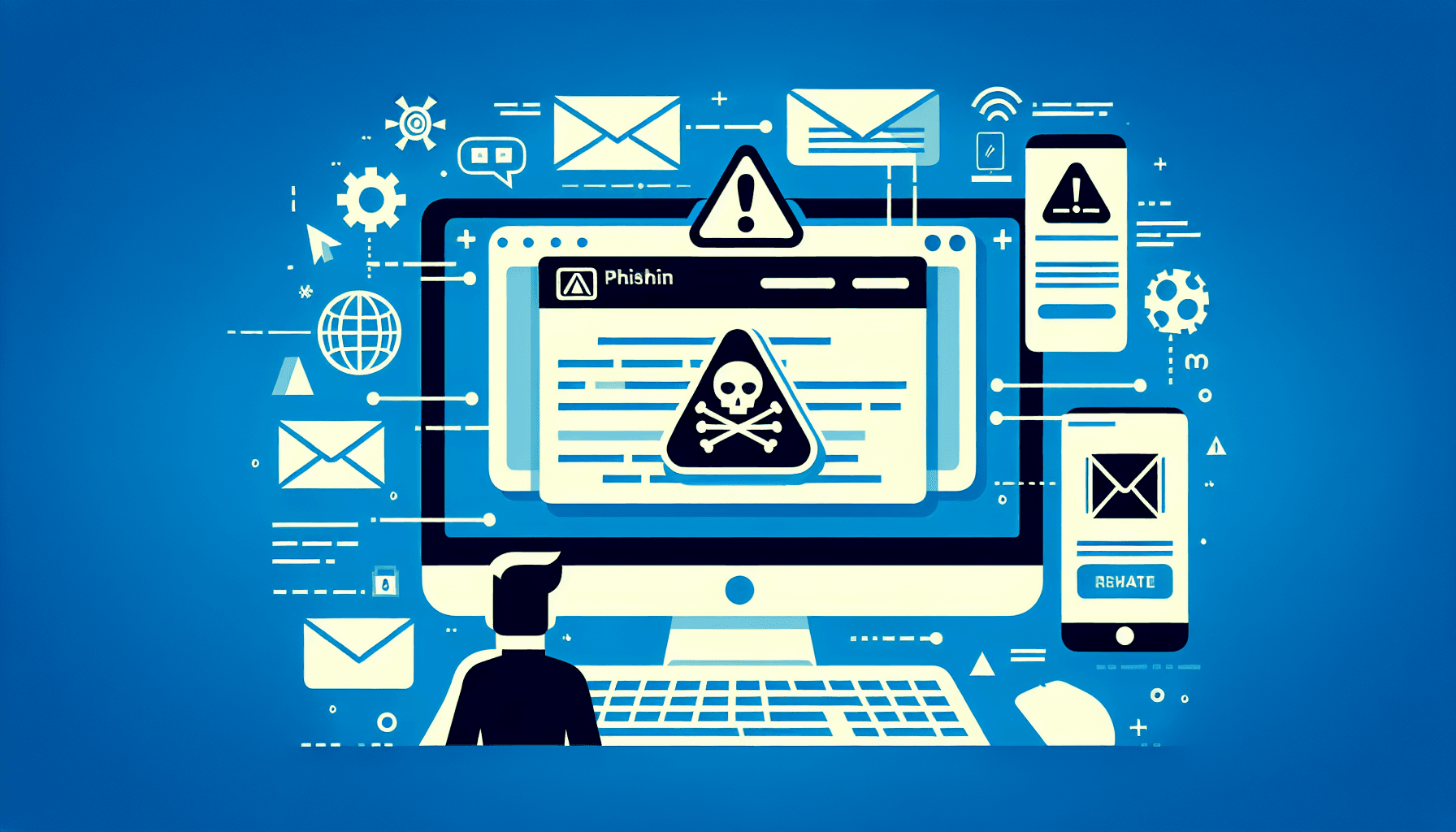
Phishing is a type of cyber attack where criminals impersonate legitimate organizations or individuals to deceive targets into providing sensitive information, such as passwords, banking details, or personal data. Phishing can occur through various channels, including emails, text messages (SMS), and fake websites.
The Mechanics of Phishing Attacks
Cybercriminals often use social engineering techniques to create a sense of urgency or fear. By mimicking reputable entities, they increase the likelihood that targets will fall for their scams. Here’s how they typically operate:
1. Fake Emails: Phishing emails often appear to come from trusted sources like banks, online retailers, or even colleagues. These emails usually contain urgent messages or requests, such as “Your account will be suspended unless you verify your information.”
2. SMS Scams: Known as smishing, these scams involve fraudulent text messages that encourage recipients to click on links. For example, you might receive a message claiming that you have won a prize and need to provide personal details to claim it.
3. Malicious Links: Phishers often include links in their messages that lead to fake login pages designed to look like legitimate sites. When users enter their credentials, they unknowingly give their information to the attackers.
Common Scam Formats
Phishing scams come in various forms. Here are some common formats to watch out for:
- Fake Delivery Notices: You receive an email or text saying your package cannot be delivered due to an address issue. It may prompt you to click a link to resolve the problem, leading to a phishing site.
- Banking Alerts: A message claiming there is unusual activity on your bank account, urging you to click a link to verify your identity.
- Account Warnings: Emails from Microsoft or Google stating that your account has been compromised and you must reset your password via a provided link.
- Invoice Scams: You might receive an email with an attachment claiming to be an invoice from a company you recognize. Opening this attachment could lead to malware installation.
- SMS Phishing: Texts that appear to be from your bank or service provider asking you to verify your account details via a link.
How to Identify Suspicious Messages
Being able to spot phishing attempts is crucial for protecting yourself and your business. Here are some practical tips:
- Check the Sender's Email Address: Look closely at the sender's address. Phishing emails often come from addresses that look similar to legitimate ones but have slight variations.
- Look for Poor Grammar and Spelling: Many phishing messages contain grammatical errors or awkward phrasing. Legitimate companies usually proofread their communications.
- Watch for Urgency: Phishing messages often create a false sense of urgency. Be wary of messages that pressure you to act quickly.
- Hover Over Links: Before clicking, hover over links to see where they lead. If the URL looks suspicious or does not match the supposed sender's website, do not click.
Avoiding Dangerous Links
Here are some strategies to help you avoid phishing links:
- Do Not Click on Unsolicited Links: If you receive a message from an unknown sender, avoid clicking any links. Instead, visit the legitimate website directly by typing the URL into your browser.
- Use a Link Scanner: Tools like link scanners can help identify malicious links before you click them. Use them to check any suspicious URLs.
- Install Security Software: Good security software can block known phishing sites and detect suspicious activity on your devices.
Verifying Senders
Always verify the authenticity of messages before taking any action:
- Contact the Organization Directly: If you receive a suspicious message claiming to be from a company, contact them using verified contact details, not those provided in the suspicious message.
- Use Two-Factor Authentication: Enable 2FA on accounts whenever possible. This adds an extra layer of security, making it harder for attackers to access your accounts even if they have your password.
Reporting Scams
If you encounter a phishing attempt, take action to help protect others:
- Report the Phishing Email: Most email providers have a feature to report phishing. Use it to alert them about the scam.
- Notify Your IT Department: If you’re at work, inform your IT department about the phishing attempt so they can take necessary precautions.
- Alert the Company Being Impersonated: If a scammer is impersonating a company, notify that company so they can warn others and take action.
Conclusion
Phishing attacks are a serious threat to personal and business security. By understanding how these scams work and implementing practical safety measures, you can significantly reduce your risk of falling victim to cybercrime. Stay informed, remain vigilant, and always prioritize your online security.
Key Takeaways
- Phishing can happen through emails, SMS, and fake websites.
- Always verify senders and be cautious with links.
- Report suspicious messages to help protect others.
Checklist for Staying Safe
- [ ] Check the sender’s email address carefully.
- [ ] Look for spelling and grammar mistakes in messages.
- [ ] Avoid clicking on unsolicited links.
- [ ] Use two-factor authentication on important accounts.
- [ ] Report any phishing attempts you encounter.
FAQ
- What should I do if I clicked on a phishing link?
Immediately change your passwords and monitor your accounts for unauthorized activity. Run a security scan on your devices to check for malware.
- How can I recognize a legitimate email from my bank?
Always log into your bank account directly through their official website instead of clicking links in emails. Look for official communication styles and contact customer support for confirmation.
- Are phishing scams on the rise?
Yes, phishing scams are becoming more sophisticated and prevalent. Staying informed and cautious is key to protecting yourself.
Filed under
Digital Threats →Phishing, QR scams, malware, and other online attacks targeting individuals and organisations.
Related Articles
What Is Vishing Everything You Need To Know
Vishing, or voice phishing, is a growing threat to businesses in Australia. This article explains what vishing is, how it works, and provide...
What Is MFA? | Secure Your Accounts with Multi-Factor Authentication #MFA
Multi-Factor Authentication (MFA) adds essential security to your business accounts by requiring more than just a password. This article div...
How Phishing Exploits Human Behaviour
Phishing is the most common cyber attack vector — not because technology fails, but because humans are predictable. Understand the psycholog...