What Is Multi-Factor Authentication (MFA)? And Why It’s No Longer Optional
Passwords alone aren’t enough anymore. Multi-Factor Authentication (MFA) adds a critical second layer of protection, stopping most account breaches before they happen.
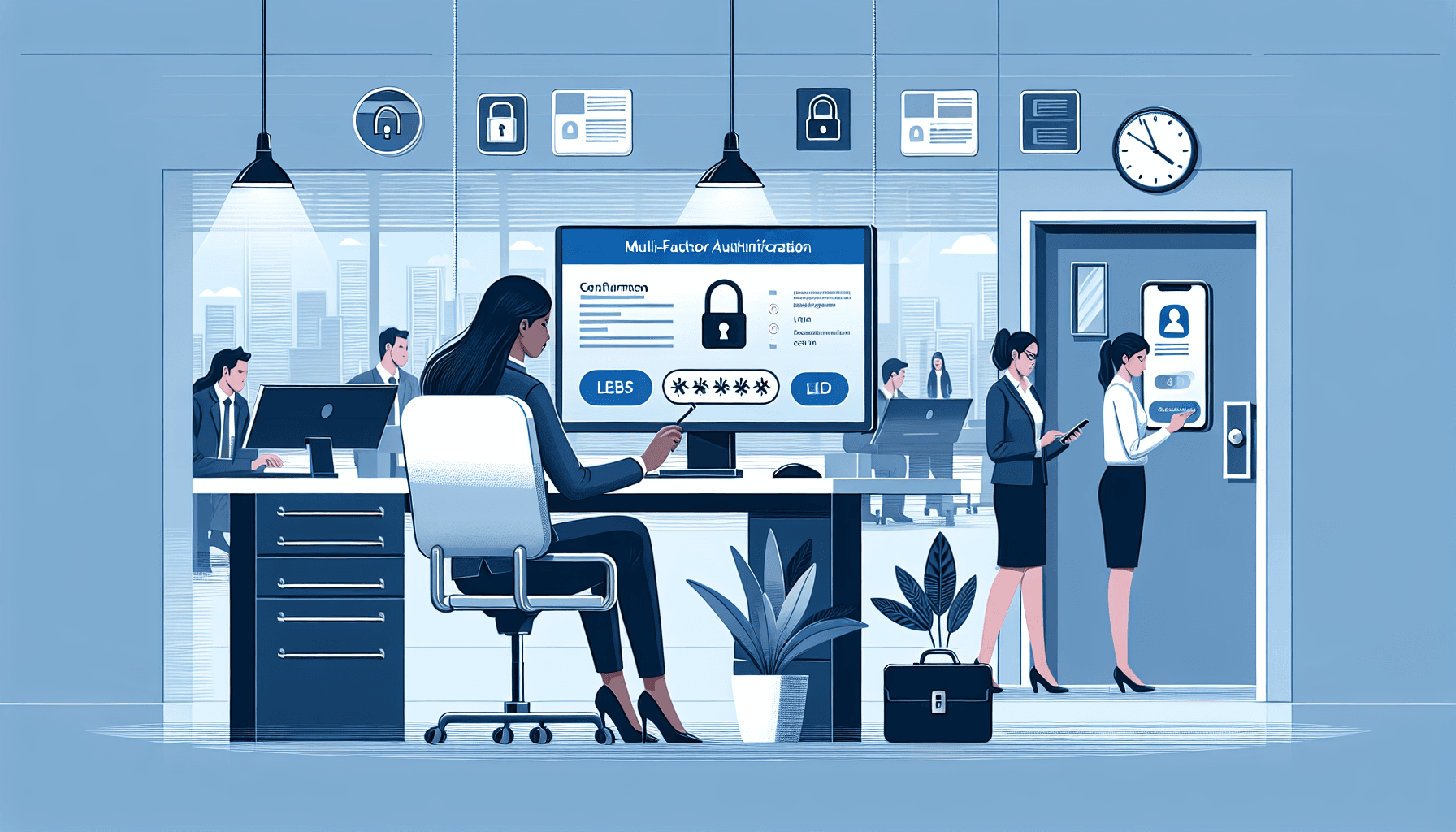
What Is Multi-Factor Authentication (MFA)? And Why It’s No Longer Optional
Most account breaches don’t happen because systems are weak.
They happen because one set of credentials is enough.
A password gets reused, guessed, or stolen through a phishing email, and suddenly someone else is inside your systems with the same access as your staff. No alarms. No obvious signs. Just normal access—used the wrong way.
That’s the gap Multi-Factor Authentication (MFA) is designed to close.
Instead of relying on a single piece of information, MFA requires additional proof that the person logging in is who they claim to be. It adds a second checkpoint—and in most cases, that’s enough to stop an attack completely.
Why Passwords Alone Don’t Hold Up
For years, passwords were treated as the primary line of defence.
The problem is, they’re also the easiest thing to compromise.
People reuse them across multiple platforms. They choose convenience over complexity. Even strong passwords can be exposed through data breaches or captured through convincing phishing attempts. Once that happens, an attacker doesn’t need to break in—they just log in.
That’s what makes MFA so effective.
Even if a password is compromised, it’s not enough on its own. There’s still another step to get through, and most attackers won’t make it past that point.
How MFA Actually Works in Practice
At its core, MFA combines different types of verification.
You’re not just proving what you know—you’re proving something else as well.
Typically, this falls into three categories:
Something you know – your password or PIN
Something you have – a device like your phone or a security token
Something you are – biometric data such as a fingerprint or facial recognition
In most workplace setups, MFA means entering a password and then confirming a code sent to your phone or generated by an authenticator app.
It’s a small extra step, but it changes the entire security model. Access is no longer based on one factor that can be easily shared or stolen—it requires something tied directly to the user.
Where MFA Makes the Biggest Difference
Not all systems carry the same level of risk, but some accounts should never rely on a password alone.
Email is the obvious one.
If someone gains access to a business email account, they don’t just have visibility—they have the ability to impersonate. They can reset passwords, request payments, or send instructions that look legitimate.
Cloud platforms, financial systems, and internal admin accounts are just as critical. These are the environments where a single compromise can have wide-reaching consequences.
MFA doesn’t eliminate risk entirely, but it dramatically reduces the likelihood of a successful account takeover.
What Happens Without It
Most organisations assume their systems are secure because nothing has gone wrong yet.
That’s often just timing.
An employee receives a phishing email that looks routine. They enter their login details without thinking twice. From that moment on, access is no longer controlled.
Without MFA, there’s nothing stopping the attacker from using those credentials immediately.
With MFA, that same attempt fails at the second step.
That difference—one extra layer—is often what determines whether an incident occurs at all.
Implementing MFA Without Creating Friction
One of the biggest concerns businesses have is usability.
If security controls are too disruptive, people will find ways around them. That’s when problems start.
The key is to implement MFA in a way that feels like part of the workflow, not an obstacle.
Start with the accounts that matter most
You don’t need to enable MFA everywhere on day one.
Focus on:
Email accounts
Cloud platforms
Financial systems
Administrative access
These are the areas where a compromise would have the most impact.
Choose the right method
Not all MFA methods offer the same level of security.
Authenticator apps are generally the most reliable and widely used. They generate time-based codes that can’t be intercepted in the same way as SMS messages.
SMS still has a place, especially for smaller teams, but it’s more vulnerable and should be considered a minimum standard rather than a long-term solution.
For higher-risk environments, hardware tokens or biometric authentication may be more appropriate.
Make sure people understand it
MFA isn’t just a technical setting—it’s a behaviour change.
If employees don’t understand why it matters, they’ll see it as unnecessary friction.
Explain what it protects against. Show how attacks actually happen. Make it clear that this isn’t about inconvenience—it’s about preventing access when something goes wrong.
That context makes adoption much easier.
Review access regularly
Security isn’t static.
People change roles, leave the organisation, or gain access to systems they no longer need. MFA should be part of a broader access review process to ensure controls stay aligned with actual usage.
It’s a simple step, but it prevents gaps from building over time.
Immediate Actions You Can Take
If you want to strengthen your security quickly, start here:
Enable MFA on all email accounts
Apply it to any system with financial or administrative access
Use an authenticator app instead of relying only on SMS
Brief your team on how MFA works and why it matters
Check that MFA is enforced for all users, not just some
These steps don’t require a major overhaul. They just require a decision to prioritise access control properly.
Final Thought
Multi-Factor Authentication doesn’t make systems complicated.
It makes them harder to misuse.
And in most cases, that’s all you need.
Because attackers aren’t looking for the most secure organisation—they’re looking for the easiest one.
Filed under
Digital Threats →Phishing, QR scams, malware, and other online attacks targeting individuals and organisations.
Related Articles

What Is Vishing Everything You Need To Know
Vishing, or voice phishing, is a growing threat to businesses in Australia. This article explains what vishing is, how it works, and provide...
How Phishing Emails, SMS Scams and Fake Links Trick People Online
Phishing attacks remain a prevalent threat in the digital world. This article explores how cybercriminals use fake emails, SMS scams, and ma...
How Phishing Exploits Human Behaviour
Phishing is the most common cyber attack vector — not because technology fails, but because humans are predictable. Understand the psycholog...